

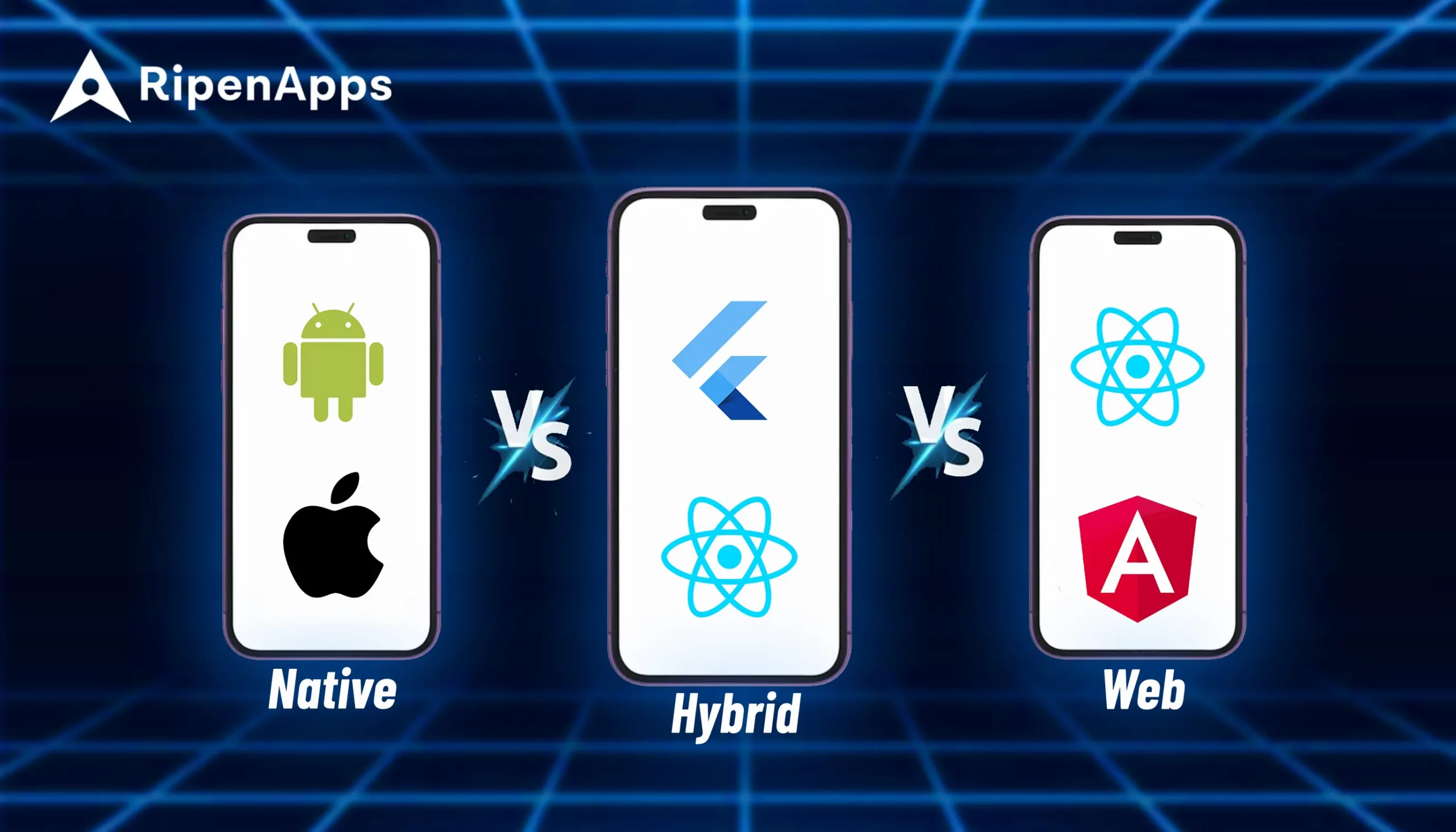

The debate between native vs hybrid vs web app development has never been more consequential. In 2026, over 9.4 million apps compete across the App Store and Google Play, yet fewer than 0.01% reach the top charts. Often, the difference isn’t features but an architectural decision made months before development begins.
Mobile now drives 58% of global web traffic, and user expectations are higher than ever. Users abandon apps that take longer than 3 seconds to load, and even a one-second delay in rendering can reduce conversion rates by up to 20%. With average app retention at 25% after day one and dropping below 11% by day 30, a weak technical foundation can quickly undermine even the best-designed product.
At the same time, development frameworks have evolved rapidly. Flutter’s Impeller engine has reduced the rendering gap with native apps to around 5ms in typical workloads. React Native’s New Architecture has removed the JavaScript bridge that once caused performance issues. Meanwhile, PWAs now support Web Push, offline capabilities, and WebGPU-powered computing on modern browsers.
The global mobile app market is projected to reach $756 billion by 2027, growing at a CAGR of 8.58%. Cross-platform frameworks already power 42% of new mobile apps, highlighting a major shift in mobile development strategies.
But the main question remains: which development approach should you choose for your product? This guide helps answer that by breaking down the differences between native, hybrid, and web apps so you can make the right architectural decision.
Key Takeaways
- Native apps deliver maximum performance, deep hardware access, and superior UX for high-performance, hardware-intensive, or AI-driven applications.
- Hybrid frameworks like Flutter and React Native enable faster cross-platform development with near-native performance and reduced engineering costs.
- Progressive Web Apps provide browser-based experiences with offline support, push notifications, and instant updates without app store distribution.
- Choosing the right architecture depends on performance requirements, development budget, scalability needs, and long-term product strategy.
- In 2026, hybrid development has become the default choice for many businesses, balancing speed, cost efficiency, and cross-platform reach.
Table of Contents
What are Native Applications?
A native app is built specifically to run on a single mobile operating system. Designed for one platform at a time, it provides high performance, fast app loading speed, and full access to “device-owned” features like GPS, camera and microphone.
Native apps often feel smooth and reliable to the end users, thus enhancing user engagement. However, they also cost more to build and update when compared to hybrid apps. This is because they are using a platform-specific programming language and the software development kit of that operating system. For example, Swift for iOS or Kotlin/Java for Android.
Here, the application directly compiles with the native ARM bytecode and user interfaces without any abstraction middle layer. There is no translation happening at runtime, which means the app directly stays in contact with the specific OS and can immediately access any hardware API, system core service, or platform capability.
Now, let’s look at the leading technologies used in native app development:
For building an iOS application:
- Swift (Primary)
- Objective-C (Legacy)
- Xcode IDE
- SwiftUI
- UIKit
- Core ML
- ARKit
- HealthKit
- Core Data
- CloudKit
- TestFlight
For building an Android application:
- Kotlin (Primary)
- Java (Legacy)
- Android Studio
- Jetpack Compose
- ML Kit
- ARCore
- Health Connect
- Room
- WorkManager
Backend integrations:
- REST APIs
- GraphQL API
- Firebase
- AWS Amplify
- gRPC for low-latency data streams
5 Core Features of Native Apps
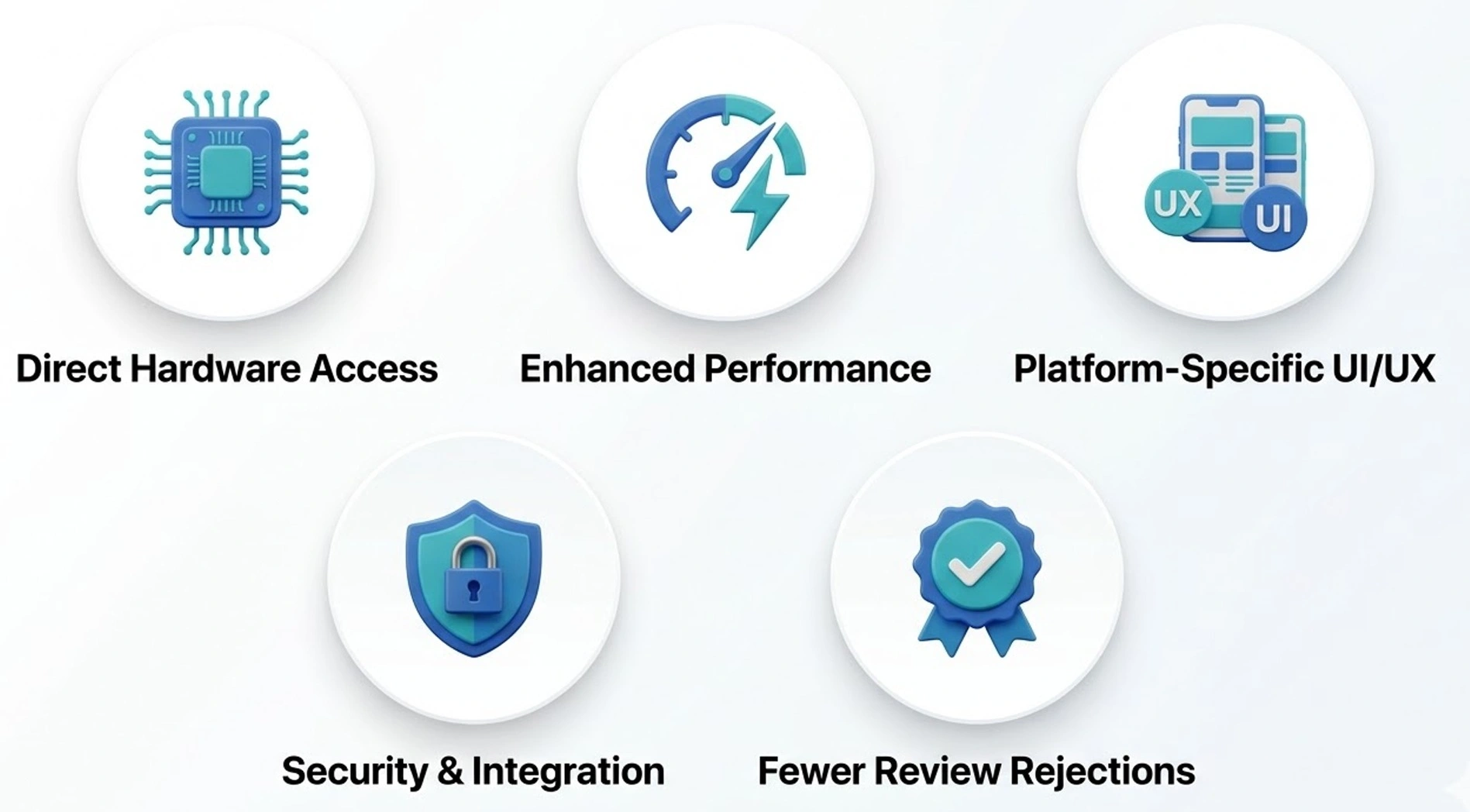
1. Direct Hardware Access
Building a native app enables you to communicate with device hardware through the official platform-specific SDKs (like Swift or Kotlin). This means that you have full direct and unrestricted access to the Apple Neural Engine via Core ML, the Qualcomm Hexagon NPU on Android, camera ISP pipelines, sensors, etc. Unlike hybrid apps, these apps enable advanced and resource-intensive functionality like 3D rendering and real-time AR.
2. Enhanced Performance
With no bridge, no JavaScript runtime, and no rendering approximation, native apps achieve the highest possible performance ceiling. Real-time AR overlays, professional audio graphs, 60fps camera viewfinders with ML processing, high-frequency trading interfaces rendering live tick data, these workloads require native mobile app performance optimisation to perform correctly. Frame drops and input latency are measurable at the neural level for users, and native minimises both.
3. Platform-Specific UI/UX
Some of the fidelity Native apps use the platform’s own UI components and follow its Human Interface Guidelines for iOS or Material Design specifications for Android OS. This means that your native app behaves exactly as users expect. This includes navigation patterns, gesture recognition, accessibility behaviour, and system-level integrations.
4. Security & Integration
These Native applications leverage built-in security frameworks and tightly integrate with operating system services to ensure strong data protection. On iOS, developers can use technologies such as Keychain, Face ID/Touch ID authentication, and the Secure Enclave to safeguard sensitive information.
Similarly, Android offers security mechanisms like Biometric Authentication, the Keystore System, Play Integrity API, and sandboxed app environments, which help protect applications and user data from potential threats.
5. Fewer Review Rejections
Building a Native app is profitable for your business as it aligns closely with the official development guidelines of specific app stores. These apps use platform-approved SDKs and user interface frameworks, which help you to receive fewer review rejections and thus a higher app store performance ranking.
Real-World Examples of Native Apps
If you have a well-structured native architecture, your business can build apps that are successful and fully utilise device hardware, advanced graphics processing, and real-time data handling capabilities.
Here are some popular examples of native applications:
1. Instagram
It was built using native capabilities, thus handling high-resolution image processing, camera features, and smooth media rendering. This means that if your native app development approach is fully strategised, it will help you to deliver fast performance and seamless user interactions for features like stories, reels, and live streaming.
2. Robinhood
It uses native architecture to support real-time financial data processing and secure transactions. Here, the Native development process helped their brand to ensure fast data updates, responsive UI interactions, and reliable performance for trading activities.
3. Apple Maps
It is built as a native iOS application to deliver highly accurate navigation, real-time traffic updates, and deep integration with Apple’s ecosystem. Here, the Native development’s strategic execution allowed the app to access device-level features like location services and Siri integration.
4. Google Maps
It uses native app development to manage complex mapping data, GPS tracking, and real-time route optimisation. This native approach helped the brand to maintain smooth performance even when handling large datasets and dynamic navigation features.
5. Snapchat
It leverages native development to power advanced camera capabilities and augmented reality experiences such as AR lenses and filters. Native access to device hardware enables real-time image processing and immersive interactive features.
What are Hybrid Applications?
Unlike native apps, a hybrid application is built using a single shared codebase, and this can be deployed to multiple platforms simultaneously. By leveraging cross platform app development services and a strategic approach, you can now build apps that share basic or core app logic across iOS or Android platforms, without disrupting the performance and UIs. Overall, hybrid mobile app development has emerged as a next-gen choice that helps you build modern apps.
In 2026, this category is dominated by two architecturally distinct frameworks that should not be conflated: Flutter and React Native. Understanding the difference between them is a must and a prerequisite for anyone making this decision at a technical level.
Flutter 4.0 renders its own UI using its own graphics engine (Impeller 2.0, which replaced Skia as the default renderer). It does not use native platform UI components. Instead, it draws every pixel itself via Metal on iOS and Vulkan on Android. This gives Flutter pixel-perfect consistency across platforms but means the UI is Flutter UI by default, not iOS UI or Android UI.
React Native maps JavaScript/TypeScript component declarations to actual native platform UI components at runtime. When you render a Button in React Native, you get a UIButton on iOS and a MaterialButton on Android. The look, feel, and accessibility behaviour are platform-native. The logic layer runs in a JavaScript runtime (Hermes engine), which communicates with native modules through the JSI (JavaScript Interface) in the New Architecture.
Some of the top technologies used in Hybrid app development are:
For building a Flutter-based app:
- Dart
- Flutter SDK
- Impeller Rendering Engine
- pub.dev Package Ecosystem
- Firebase Integration
- Riverpod or BLoC (State Management)
- Fastlane (CI/CD)
- Shorebird (OTA Updates)
For building a React Native app:
- JavaScript or TypeScript
- React Native CLI or Expo
- Hermes Engine
- React Navigation
- Redux or Zustand (State Management)
- Expo EAS (Build, Submit, Update)
- React Native New Architecture (Fabric, JSI, TurboModules)
Shared technologies:
- Firebase
- AWS Amplify
- REST APIs or GraphQL APIs
- Sentry (Error Monitoring)
- GitHub Actions or Bitrise (CI/CD Pipelines)
5 Core Features of Hybrid Apps
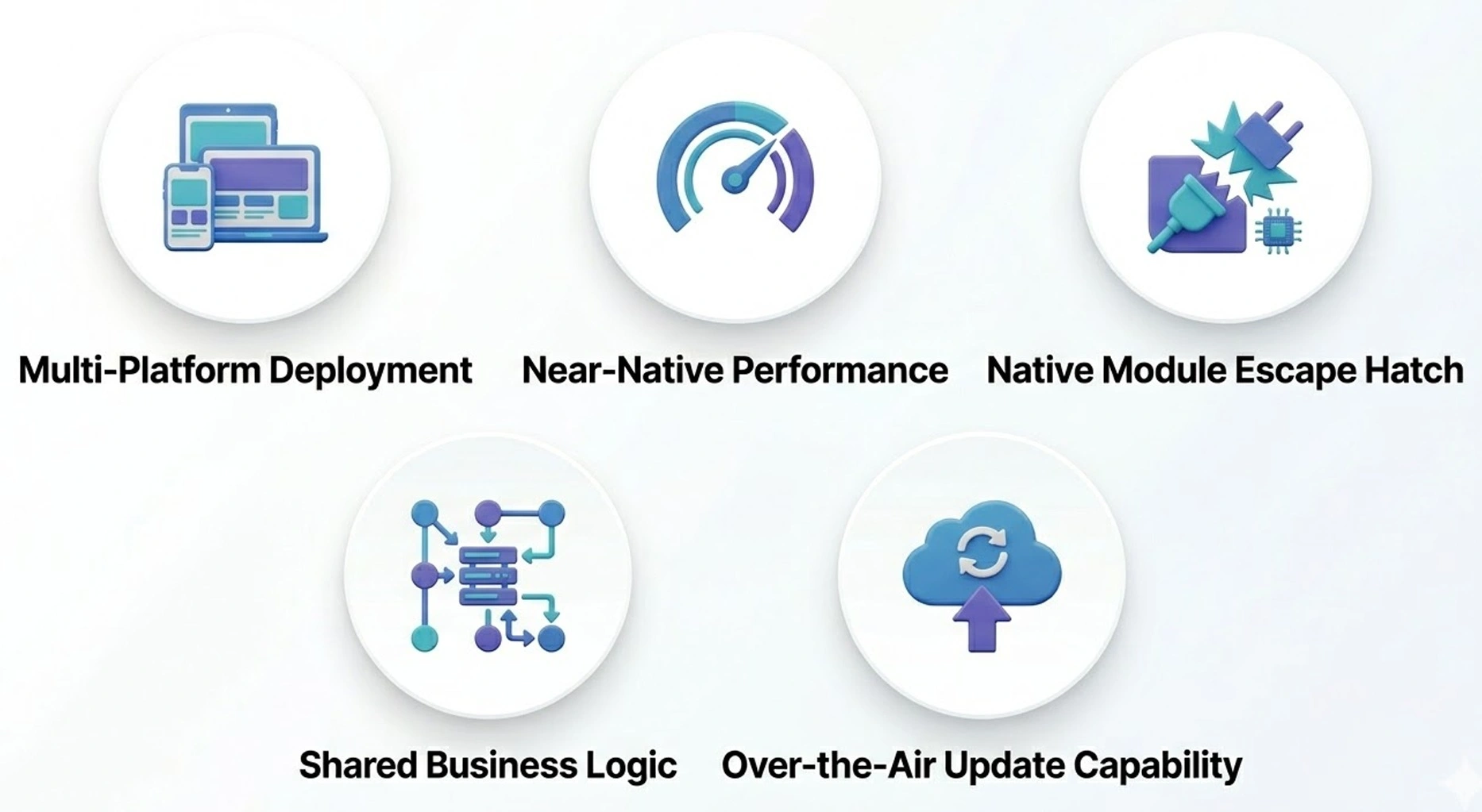
1. Multi-Platform Deployment
One codebase compiles and deploys to iOS, Android, and, in Flutter’s case, web, macOS, Windows, and Linux as well. This is the primary value proposition, and it is substantial. Engineering effort, QA cycles, release management, and bug triage all operate on a single surface rather than two parallel ones. Over an 18 to 24 month development horizon, this typically translates to 30 to 40% lower engineering costs compared to maintaining separate native codebases at feature parity.
2. Near-Native Performance
Flutter’s Impeller engine delivers consistent 60 to 120fps on supported devices. React Native’s New Architecture with the Fabric renderer and JSI has eliminated the async bridge overhead that plagued earlier versions. For the broad middle of mobile use cases (transactional, content-driven, social, marketplace, B2B mobile clients), performance is indistinguishable from native for the end user.
3. Native Module Escape Hatch
Both Flutter and React Native support writing platform-specific native modules in Swift, Kotlin, or C++ for subsystems that require direct platform access. This means that by partnering with an elite React Native app development company or any language-specific company, you can build 90% of your app in the shared codebase and drop down to native code for the specific components that need it, like a real-time audio pipeline, a custom camera stack, or a Bluetooth LE device communication layer. This hybrid-plus-native-modules architecture is production-proven and well-supported by the tooling.
4. Shared Business Logic
Beyond mobile, React Native enables meaningful code sharing with web frontends built in React. Data models, API client layers, validation logic, and state management can be shared across web and mobile surfaces. For organisations with significant existing React web engineering investment, this cross-pollination has real organisational value and measurably reduces duplicate work.
5. Over-the-Air Update Capability
React Native applications using Expo EAS Update or Microsoft’s CodePush can ship JavaScript bundle updates directly to production users without going through App Store review. This means bug fixes and minor feature changes reach users in minutes rather than the days or weeks that App Store review cycles require. For teams with aggressive release cadences, this is a significant operational advantage.
Real-World Examples of Hybrid Apps
Here are some notable examples of hybrid applications:
1. Walmart
It adopted React Native to improve performance and accelerate the mobile app development process. By switching to a hybrid approach, the company increased code reuse across platforms while delivering faster updates and a smoother user experience.
2. Discord
It uses React Native to power its mobile application interface while maintaining high performance for real-time communication features. The hybrid architecture allows the platform to efficiently manage cross-platform UI development.
3. Shopify Shop
It uses React Native for its consumer-facing Shop app to streamline cross-platform development. This approach enables the company to maintain a consistent user experience across devices while reducing development complexity.
4. Uber Eats
It uses a hybrid development approach for several parts of its mobile interface to maintain consistency across iOS and Android. This approach allows the platform to deploy updates faster while ensuring smooth performance for ordering, tracking deliveries, and real-time notifications.
5. Tesla
It uses a hybrid approach to deliver real-time vehicle monitoring, remote controls, and software update management. This architecture allows Tesla to maintain consistent functionality across iOS and Android devices while integrating with cloud-native application development services.
These examples demonstrate how hybrid frameworks allow companies to accelerate development, maintain cross-platform compatibility, and still deliver high-quality user experiences across modern mobile ecosystems.
What are Web Applications?
Web applications run in the browser and are accessed via URL rather than downloaded from an app store. In 2026, the distinction that matters most is between a basic optimised website vs. a Progressive Web App (PWA), because the capability gap between these two is enormous, and most existing content on this topic fails to make the distinction clearly.
A basic mobile web app provides responsive UI in a browser with no offline support, no home screen presence, no push notifications, and limited device API access.
A Progressive Web App in 2026 is a fundamentally different proposition. PWAs are installable to the home screen, operate fully offline via Service Workers, deliver Web Push notifications (including on iOS since Safari 16.4, which was a landmark shift), and access an expanding set of device APIs, including camera, microphone, geolocation, Web Bluetooth, Web NFC, WebUSB, and WebGPU for GPU-accelerated compute.
WebGPU, now supported across all major browsers, opens up GPU compute pipelines for in-browser ML inference, real-time image processing, and high-fidelity 3D rendering. For engineering teams building data visualisation tools, AI-assisted interfaces, or collaborative mobile app design products, this changes the calculus meaningfully.
Now, look at the top technologies utilised in the web app and PWA development:
Frontend frameworks:
- React
- Vue
- Angular
- Svelte
- Next.js
- Nuxt.js
PWA-specific technologies:
- Service Workers
- Web App Manifest
- Cache API
- Background Sync API
- Web Push API
Advanced web capabilities:
- WebGPU
- WebAssembly (WASM)
- WebRTC
- Web Bluetooth
- Web NFC
Build & deployment tooling:
- Vite
- Webpack
- Turborepo
- Vercel
- Netlify
- AWS CloudFront
5 Core Features of Web Apps
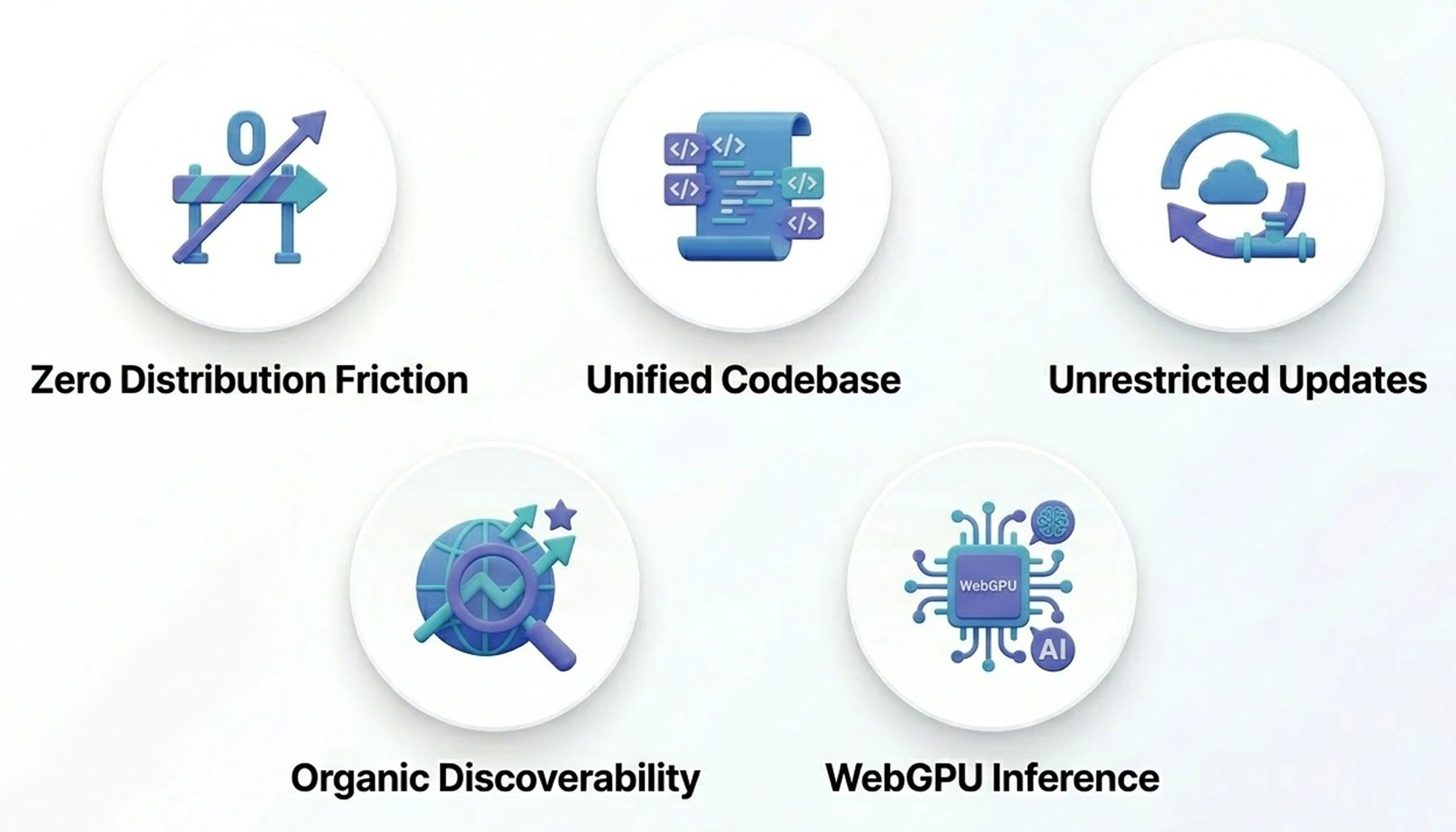
1. Zero Distribution Friction
No App Store approval, no review cycles, no 30% platform revenue share on in-app purchases. Users navigate to a URL, install the PWA to their home screen, and the experience behaves like an app. For B2B SaaS products where users enrol through a corporate IT context rather than browsing an app store, this is a significant advantage over both native and hybrid.
2. Unified Codebase
A single React, Vue, or Angular codebase serves desktop browsers, mobile browsers, and the installed PWA experience. For lean engineering organisations that cannot staff separate mobile teams, this is often the deciding factor. By leveraging top AngularJS development services, teams can efficiently build and maintain scalable front-end architectures. The total engineering surface to maintain is smaller than any other approach in this comparison.
3. Unrestricted Updates
Ship a change, users get it on the next page load. There is no review process, no phased rollout managed by a platform, no version fragmentation to manage. For products that need to iterate rapidly on user feedback, this is a material operational advantage.
4. Organic Discoverability
Web app content is indexable by search engines. For content-heavy products where organic search is a meaningful acquisition channel, this is a structural advantage that native and hybrid apps cannot replicate. App Store Optimisation is real, but it operates in a dramatically smaller discovery surface than web search.
5. WebGPU Inference
With WebGPU now broadly supported, in-browser ML inference using TensorFlow.js or ONNX Runtime Web is viable for a meaningful set of classification, generation, and computer vision tasks. While this does not approach the performance of on-device inference via the Neural Engine, it removes the requirement for round-trip API calls for latency-sensitive AI features in web applications.
Real-World Examples of Web Apps
Here are some notable examples of web apps and PWAs:
1. AliExpress
It adopted a PWA architecture to deliver faster page loading and smoother browsing experiences on mobile devices. The web app supports offline caching and push notifications, helping the platform improve user engagement and conversion rates.
2. Flipkart Lite
It is one of the most cited examples of a successful PWA. It enables users to browse products, receive notifications, and access the platform even on slower networks while maintaining a lightweight and fast-loading interface.
3. Trivago
Trivago uses a Progressive Web App to provide fast hotel search and booking experiences across devices. The PWA allows users to install the web app on their home screen and receive updates without requiring a full native application.
4. Tinder Online
Tinder launched Tinder Online as a PWA to make its platform accessible to users on desktops and low-storage mobile devices. The web application delivers core features like swiping, messaging, and profile management directly through the browser.
5. Spotify Web Player
Spotify’s web player functions as a powerful web application that allows users to stream music directly through the browser. It uses modern web technologies to deliver seamless playback, playlists, and account management without requiring native installation.
Native vs Hybrid vs Web Apps: Key Differences to Know
Choosing the right application architecture is one of the most important decisions you need to make when planning a mobile or digital product. Native apps, hybrid apps, and web apps each offer distinct advantages depending on factors such as performance requirements, mobile app development cost, scalability, and user experience.
Understanding how these approaches differ can help organisations select the most suitable development strategy for their product goals, target audience, and long-term growth.
Now, let’s look at the comparison between native, hybrid, and web applications:
| Criteria | Native Apps | Hybrid Apps | Web Apps |
| Development Languages | Swift and Objective-C for iOS
Kotlin and Java for Android |
Dart for Flutter
JavaScript or TypeScript for React Native |
HTML, CSS, JavaScript with frameworks like React, Angular, and Vue |
| App Performance | Highest performance due to direct interaction with device hardware | Near-native performance for most applications, but requires optimisation for intensive tasks | Moderate performance since apps run inside browsers |
| Platform Compatibility | Built separately for each platform (iOS or Android) | A single codebase supports multiple platforms, such as iOS and Android | Works across devices and operating systems through web browsers |
| User Experience | Best UI/UX with platform-specific design guidelines and smooth interactions | Consistent UI across platforms with a near-native experience | Limited UI interactions compared to native or hybrid apps |
| Access to Device Features | Full access to device hardware like the camera, GPS, sensors, and Bluetooth | Access through plugins or native modules when required | Limited access to device hardware through browser APIs |
| Development Cost | Higher cost due to separate development for different platforms | More cost-effective due to shared codebase | Lowest cost since the same application runs in browsers |
| Maintenance | Requires maintaining separate codebases for each platform | Easier maintenance with a single shared codebase | Simplified maintenance through centralised updates |
| Best Use Cases | High-performance apps, gaming, and AR/VR apps | Business apps, marketplaces, and MVP products | Content platforms, dashboards, and browser-based tools |
The choice between native, hybrid, and web apps ultimately depends on business goals, budget, and scalability needs. In many cases, organizations collaborate with indian app development companies to balance performance, cost-efficiency, and faster time-to-market.
When Should Businesses Choose Native Apps?
Native is the right choice when your product demands the highest performance and deepest platform integration. Here are five scenarios where native is the clear answer:
1. Your app requires on-device AI processing
If your product runs real-time inference on device hardware like the Apple Neural Engine or Qualcomm NPU, native is the only architecture that gives you full hardware access. Top product development services enable live camera ML overlays, continuous health monitoring, or real-time voice processing, thus having high-performance results.
2. You are building in a hardware-intensive category
Spatial computing, medical device integrations, professional video editing, and precision AR applications. These push hardware limits where every abstraction layer costs you measurable performance.
3. App Store ratings directly drive your downloads
In competitive consumer categories like ride-hailing, food delivery, or gaming, a 4.6 versus 4.8 star rating has documented commercial impact. Native’s performance polish consistently earns better ratings.
4. You need day-one access to new platform APIs
When Apple or Google ships a new framework, native developers get it immediately. If being first to market with new platform capabilities is a competitive differentiator for your product, native is the only guarantee.
5. Your organisation already has separate iOS and Android teams
If the headcount and structure are already in place, the economic argument for switching to hybrid weakens considerably.

When Should Businesses Choose Hybrid Apps?
Hybrid is the smart default for most businesses in 2026. If you need to ship fast, control costs, and reach both iOS and Android users simultaneously, hybrid frameworks like Flutter and React Native are built for exactly that. Here are five scenarios where hybrid wins:
1. You need both iOS and Android
A team of four to six engineers can build and maintain a production-quality app across both platforms using Flutter or React Native. Achieving the same velocity with separate native teams requires nearly double the headcount.
2. Your app falls into a standard product category
Marketplaces, fintech clients, social platforms, on-demand services, e-commerce apps; these categories have massive user bases running on hybrid frameworks today. Google Pay, Shopify, and eBay Motors are not prototypes; they are high-volume production systems.
3. Your engineering team has a JavaScript background
React Native lets existing web engineers contribute meaningfully to mobile without full platform respecialization. This reduces hiring costs and onboarding time significantly.
4. You need to ship fixes faster
React Native’s OTA update capability via Expo EAS lets you push JavaScript bundle updates to production users without waiting for App Store approval. For teams with aggressive release schedules, this is a genuine operational advantage.
5. You are validating product-market fit
Hybrid frameworks let you reach both platforms simultaneously while you figure out exactly where your performance requirements live. You can always add native modules or migrate specific subsystems later.
When Should Businesses Choose Web Apps?
Web apps and PWAs are not a compromise in 2026. For the right product profile, they are genuinely the best architectural choice. Here are five scenarios where web is the correct answer:
1. You are building B2B SaaS apps
When users enrol through corporate IT rather than browsing an app store, distribution friction is irrelevant. A PWA delivers offline support, push notifications, and full app-like behaviour without App Store compliance overhead or MDM complications.
2. Organic search drives your user acquisition
If SEO matters to your growth model, no native or hybrid app can compete with the discoverability surface of a well-built web application. Publishing platforms, knowledge bases, media products, and documentation tools belong here.
3. You are building a budget-constrained MVP
Before committing to a full native or hybrid development budget, building a minimum viable product lets you validate whether users actually want a mobile experience, which features they use, and how they navigate. That data should inform your investment, not precede it.
4. Mobile is a secondary surface for your product
Many SaaS products have a desktop web as the primary experience and mobile as a lower-complexity companion. If mobile represents 15% of your sessions, building a full native or hybrid app for that surface is often the wrong investment.
5. You need to ship and iterate quickly
No App Store review, no phased rollouts managed by a platform, no version fragmentation. Ship a change, and every user gets it on the next page load. For products that need to iterate rapidly on live user feedback, this is a material operational advantage.
Wrapping Up
Choosing between native, hybrid, and web apps ultimately depends on how well the technology aligns with your product’s goals, performance requirements, and user expectations. Hybrid frameworks such as Flutter and React Native are widely used for applications that require faster development and cross-platform reach, while native development remains the preferred choice for products that rely on high performance, advanced device capabilities, or complex real-time processing. On the other hand, web apps and PWAs work best for platforms focused on accessibility, rapid deployment, and browser-based experiences.
As a leading software development company in USA, RipenApps helps businesses build scalable and high-performing digital products tailored to their specific needs. Whether you’re planning a native app, hybrid app, or web solution, our team can help you design and develop the right technology strategy for long-term success.
FAQs
Q1. Is hybrid app development cheaper than native?
Yes, in most cases. A single shared codebase across iOS and Android typically reduces engineering costs by 30 to 40% over an 18 to 24 month horizon compared to maintaining two separate native codebases at equivalent feature parity.
The savings come from unified QA, shared release management, and a single engineering team rather than two platform-specialised teams. The cost advantage narrows if your app requires extensive native modules for platform-specific functionality.
Q2. Can hybrid apps match native performance in 2026?
For the broad majority of app categories, yes. Flutter’s Impeller rendering engine delivers consistent 60 to 120fps on supported hardware. React Native’s New Architecture eliminates the JavaScript bridge overhead that caused performance issues in earlier versions. The remaining gap exists at the hardware frontier: on-device ML inference on the Neural Engine, real-time AR with custom rendering pipelines, and professional audio processing are still native territory.
Q3. Are PWAs a viable alternative to native and hybrid apps?
For specific use cases, absolutely. PWAs now support Web Push on iOS, offline-first operation via Service Workers, WebGPU-accelerated compute, and a growing list of device APIs. For B2B SaaS tools, internal enterprise applications, and content-heavy products where SEO matters, PWAs are often the correct architectural choice rather than a compromise. For consumer apps where App Store distribution and discoverability are critical, they remain limited.
Q4. Which is better for AI-powered mobile apps: native or hybrid?
Native is currently the superior choice for apps where on-device AI inference is a core, latency-sensitive feature. Full Core ML access, direct Neural Engine scheduling, and tight integration with Apple’s Vision and Natural Language frameworks give iOS native apps capabilities that hybrid frameworks cannot fully replicate through plugins.
For apps that use cloud-based AI APIs rather than on-device inference, hybrid frameworks are fully capable, and the distinction becomes irrelevant.
Q5. Flutter or React Native: which should we choose in 2026?
Choose Flutter if you need maximum cross-platform reach (iOS, Android, web, and desktop from one codebase), pixel-perfect UI consistency across platforms, and your team can work in Dart.
Choose React Native if your team has existing JavaScript or TypeScript depth, you want platform-native UI fidelity by default, code sharing with a React web frontend is valuable, or OTA update capability via Expo EAS is operationally important to your release process.
Q6. How long does it take to build a hybrid app compared to a native app?
A hybrid app (Flutter or React Native) targeting both iOS and Android simultaneously typically takes 30 to 50% less calendar time than building separate native apps for the same feature set. The exact delta depends on the complexity of native module requirements.
If your hybrid app requires extensive platform-specific native modules, the gap narrows. For standard product categories, the time-to-market advantage is one of the most compelling arguments for the hybrid approach.

SHARE
WRITTEN BY

Prankur Haldiya
Chief Technical Officer
A tech innovator and engineering leader, Prankur Haldiya drives RipenApps’ product development strategy and oversees cutting-edge solutions in mobility, AI, and cloud ecosystems. He is passionate about building high-performance teams and helping brands launch secure, scalable, and user-centric digital products.
View All Articles



 India
India USA
USA Australia
 Canada
 UK
UK UAE
UAE